
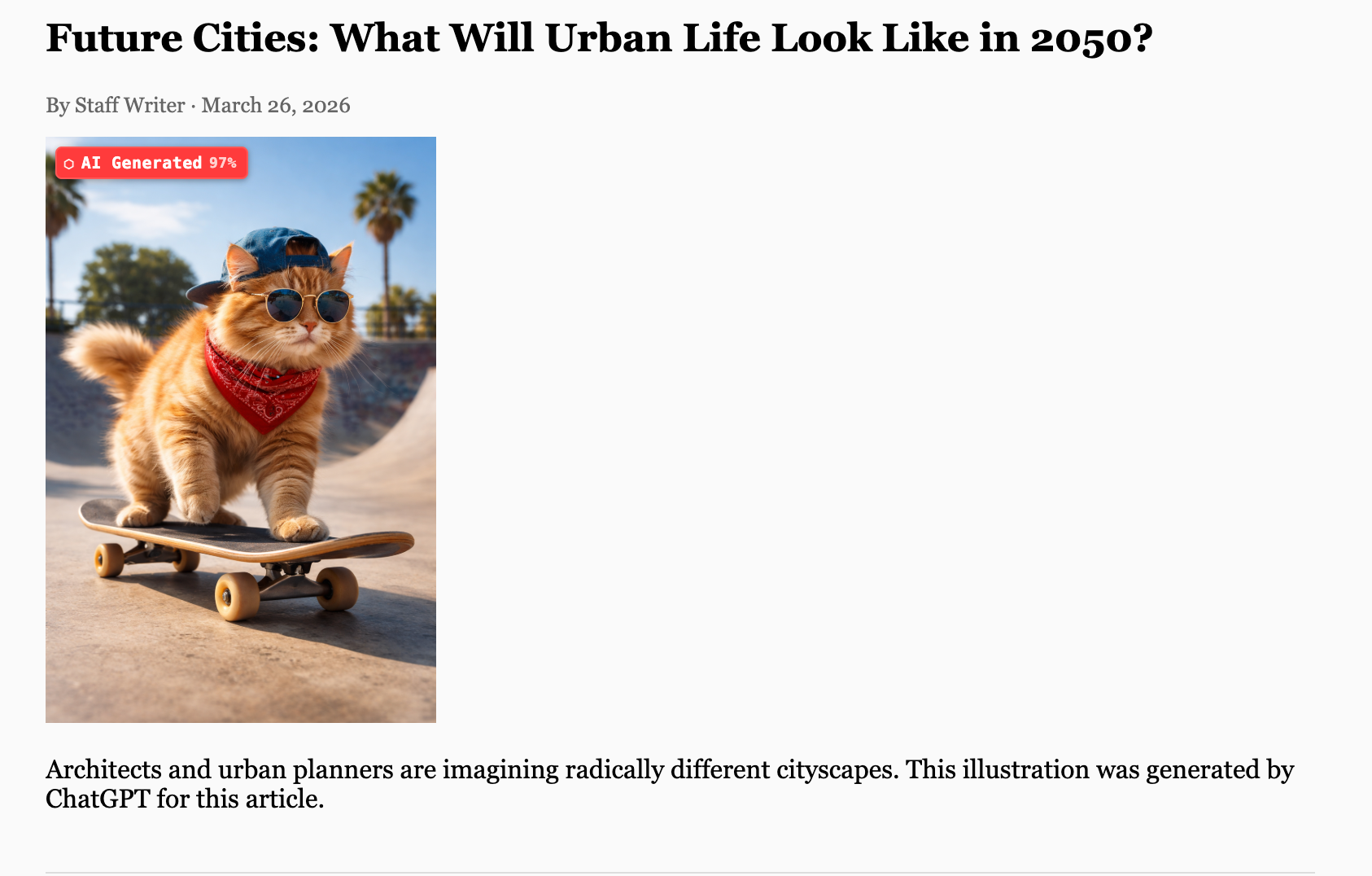
We built a browser extension that tells you whether an image on any webpage was generated by AI. It’s called Lens, it’s free, and it runs entirely in your browser. No account, no uploads, no tracking.
Install for Chrome or Firefox · View on GitHub
Why we built it
AI-generated images are everywhere. They appear in news articles, social media posts, product listings, and political content, often with no label, no disclaimer, and no way to tell.
Most existing detection tools require you to upload an image to a third-party server, which creates its own privacy problems. We wanted something that worked where you browse, without sending your data anywhere.
Lens is the result. It sits in your browser and quietly analyses images as you scroll, flagging the ones it’s confident about and staying silent when it isn’t sure.
How it works
Lens runs up to four detection checks on every image it sees, stopping as soon as it has enough confidence.
1. URL and filename recognition
Some AI images carry an obvious origin trail. A URL containing oaidalleapiprodscus.blob.core.windows.net or a filename starting with DALL-E is a strong signal before we even look at the pixels. Lens recognises patterns from OpenAI, Midjourney, Adobe Firefly, Stability AI, xAI, Bing Image Creator, and a dozen other services.
2. Metadata
Many AI tools now embed machine-readable provenance into images using the C2PA Content Credentials standard. ChatGPT, Adobe Firefly, and Bing Image Creator all do this. Lens reads these credentials directly. If an image was generated by GPT-4o and the metadata is intact, Lens will tell you with near certainty.
3. Pixel statistics
When metadata has been stripped (which happens routinely when images are shared on social media), Lens analyses the pixel data itself. It looks at noise patterns, gradient smoothness, and inter-block noise correlation, an approach drawn from recent academic work on AI image forensics. Real photographs have distinctive noise fingerprints from camera sensors. AI images have different statistical properties.
4. Frequency analysis
Some AI systems embed invisible watermarks using spread-spectrum techniques. Lens uses FFT-based analysis to detect these, including signals consistent with Google SynthID.
What you see
Results appear as a small badge overlaid on each image. Hover to see why Lens flagged it: the specific signals found, their confidence weights, and which detection layer caught it.
| Badge | Meaning |
|---|---|
| 🔴 AI Generated | Strong evidence: verified metadata or watermark |
| 🟠 Likely AI | Multiple corroborating signals |
| 🟡 Possible AI | One or more weak signals |
| 🟢 Probably Real | Very low signal, likely a false alarm |
| 🔵 No AI signals | Nothing detected |
Lens is honest about uncertainty. It won’t badge every image, only ones where the evidence crosses a threshold. And when it does flag something, it shows its work.
What it doesn’t catch
AI image detection is genuinely hard. We want to be upfront about the limits.
Social media strips metadata
Twitter/X, Instagram, and Facebook remove EXIF data when images are uploaded. If C2PA credentials are gone, Lens falls back to pixel analysis, which is weaker and slower.
Some models are hard to distinguish
FLUX.1 and untagged SDXL images produce pixel statistics that overlap significantly with real photographs. Without a metadata tag or a recognisable URL, Lens may not flag them. We’re actively researching better signals.
It’s not a fact-checker
Lens detects AI generation. It doesn’t tell you whether an image is misleading, out of context, or manipulated in other ways.
Privacy
This was non-negotiable in the design:
- No images or data ever leave your browser
- No account required
- No telemetry, analytics, or tracking of any kind
- Image bytes are processed in memory and immediately discarded
- The only thing stored locally is your preference settings
The extension’s source code is open on GitHub. You can read every line of the detection logic.
Install

Chrome, Edge, Brave
Install Lens from the Chrome Web Store — one click, no developer mode needed.
Firefox
Download the latest release from GitHub and open the .xpi file in Firefox. You’ll be prompted to install. (Direct install — no Firefox store account needed.)
Safari
Safari requires the extension to be distributed through the Mac App Store. We’re working on it.
What’s next
A few things we’re actively working on:
- Better FLUX / SDXL detection: calibrating pixel signals that work across browser decode paths
- On-device ML model: a small (~3MB) binary classifier for images that slip past the heuristic checks
- Edge Add-ons listing: same extension, separate submission for Microsoft Edge users
If you find a false positive or a missed detection, open an issue on GitHub. Every report helps calibrate the thresholds.
Lens is free and open source. Built by The Vger Group.